
Fénix 0.2.0: subagents and projects in one conversation
Background subagents, on-demand skills and project context: Fénix keeps one continuous conversation across the web and Telegram.
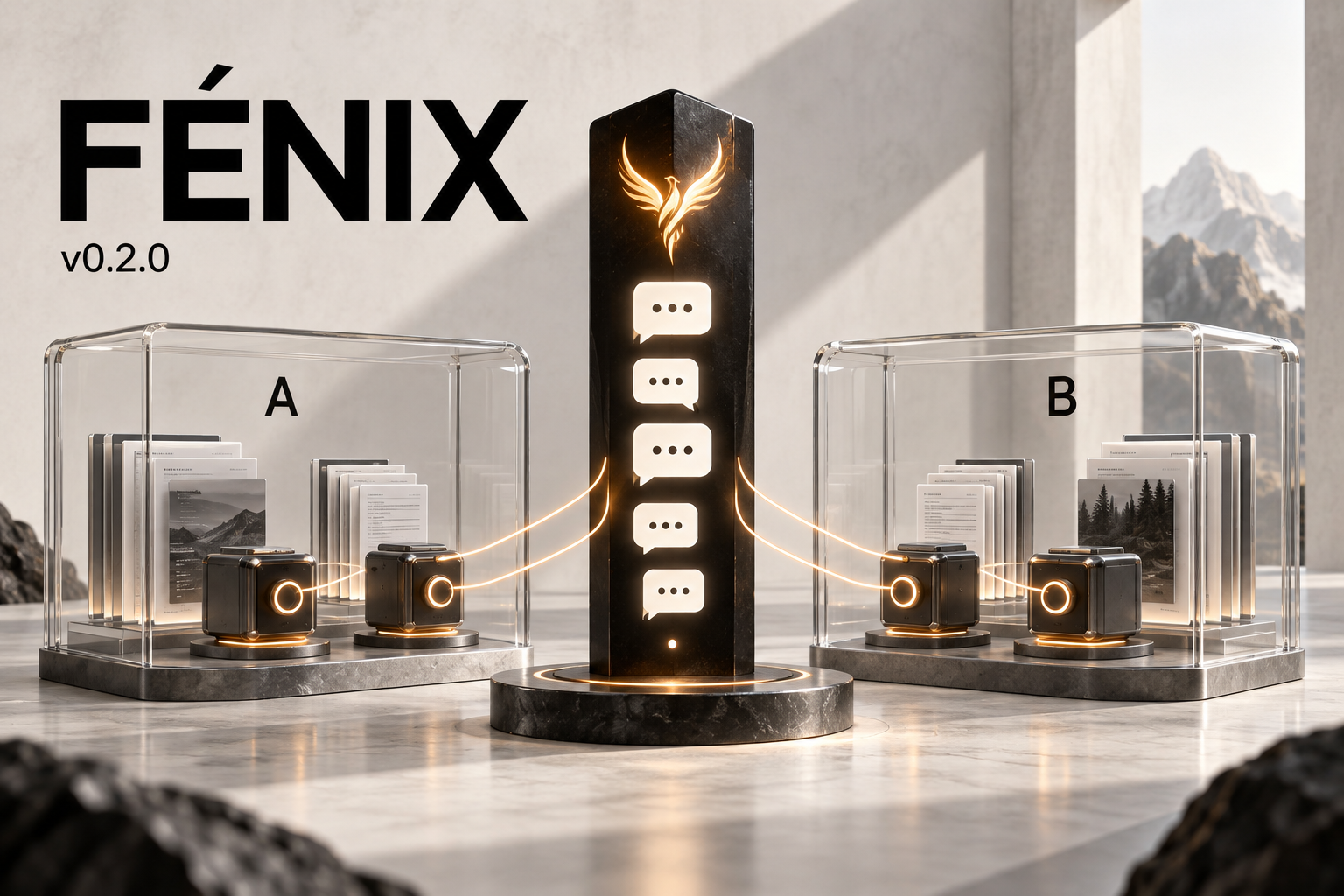
AI-generated conceptual illustration for this update. It represents subagent coordination and context separation; it is not a screenshot of the interface.
One conversation, several projects
Today Fénix moves to version 0.2.0 with two central additions: background subagents and separate context for each project, while preserving a single conversation across the web and Telegram.
I am building a personal AI assistant that I can talk to naturally and assign work to. Getting closer to that goal meant addressing an everyday situation: moving between projects without switching chats or losing track of the task running in each one.
One example captures this update:
“Tell me how A is going, then improve the login flow in B.”
The master can read A’s recorded status and delegate B’s work to a subagent. The conversation remains available while that work continues. If the intended improvement is unclear, the agent can ask for clarification before acting.
Subagents with a specific purpose
Each subagent receives a precise objective, the result it should deliver, and the relevant context for its task. Delegation returns control to the master so it can keep serving the user.
- Up to four subagents can be active in parallel.
- There is only one delegation level: subagents cannot create other subagents.
- Each keeps its own identifier, status, and record of tools and results.
- Transient provider failures allow up to three attempts, preserving work and tool responses already obtained.
- On completion, a subagent returns a report with its result, evidence, and remaining blockers.
Brief requests, such as reading a project’s status, can be handled directly through the master’s tools. Delegation is used for work that benefits from a separate execution.
Shared skills, loaded on demand
The master and subagents receive a compact catalog of installed skills. A skill’s full content is loaded when it is needed.
General skills live in ~/.fenix/skills, with version and activation metadata. This lets tasks share reusable instructions while preserving personal customizations. Skills remain manually authored for now.
General conversation and project context
Fénix distinguishes general conversation, general preferences, and information specific to each project. A project can have a name, aliases, a description, context, and an optional working directory. It can also represent office work or a personal project without a repository.
When a message arrives, the runtime identifies its destination before loading context. Clear references can be resolved through rules; more complex requests use the configured model. A single message can contain several requests and projects.
Memory, history, and identifier-based lookups respect the assigned scope. Summaries are maintained by scope, and original messages remain available. Decisions made for one project do not automatically become general preferences.
Once an execution is assigned, its project and working directory are fixed. Changing the subject does not redirect work already in progress. If a report from B arrives while we are discussing A, it is recorded under B without automatically changing the conversation’s focus.
Approvals and scheduling tied to their task
Approvals remain text-based. A reply associated with a task reaches its original request, even if messages about another project have appeared in between. Telegram can also use its native reply-to-message reference.
Reminders and scheduled tasks retain their project. Agent updates to project context use a reference version to prevent older work from overwriting newer decisions.
Administration through the web
The interface adds a projects section for creating and editing project details, inspecting tasks, and viewing progress. Memory can be viewed as general information or within a specific project.
There is still one chat. Names and aliases can identify a change of subject, and a reply can reference a specific task without opening another conversation. The bilingual interface, black-and-white design, and light and dark modes remain available.
The foundation that continues to grow
These features build on the Rust runtime, SQLite storage, file and command tools, explicit memory with lexical search, reminders, and cron scheduling.
The integration still covers 17 providers and platforms: OpenAI, Anthropic, Google Gemini, OpenRouter, DeepSeek, xAI, Mistral AI, Alibaba Cloud / DashScope, Moonshot AI, Z.ai, MiniMax, Groq, Together AI, Amazon Bedrock, Microsoft Azure / Foundry, Google Vertex AI, and Ollama. The selected model must support the required tools; access depends on each provider’s account and configuration.
The goal remains an assistant that can support different kinds of work through a natural conversation. This release makes project organization and delegation part of that foundation.
Code: CristhianRudolf7/fenix.
Changes in this release: Fénix 0.2.0: subagents and project context.
User guide: Projects in one conversation.